
Take the power with you.
Scan the station inside the venue, unlock a portable charger in the app, and keep your phone in your hand while it charges. Return it to any station when you are done.
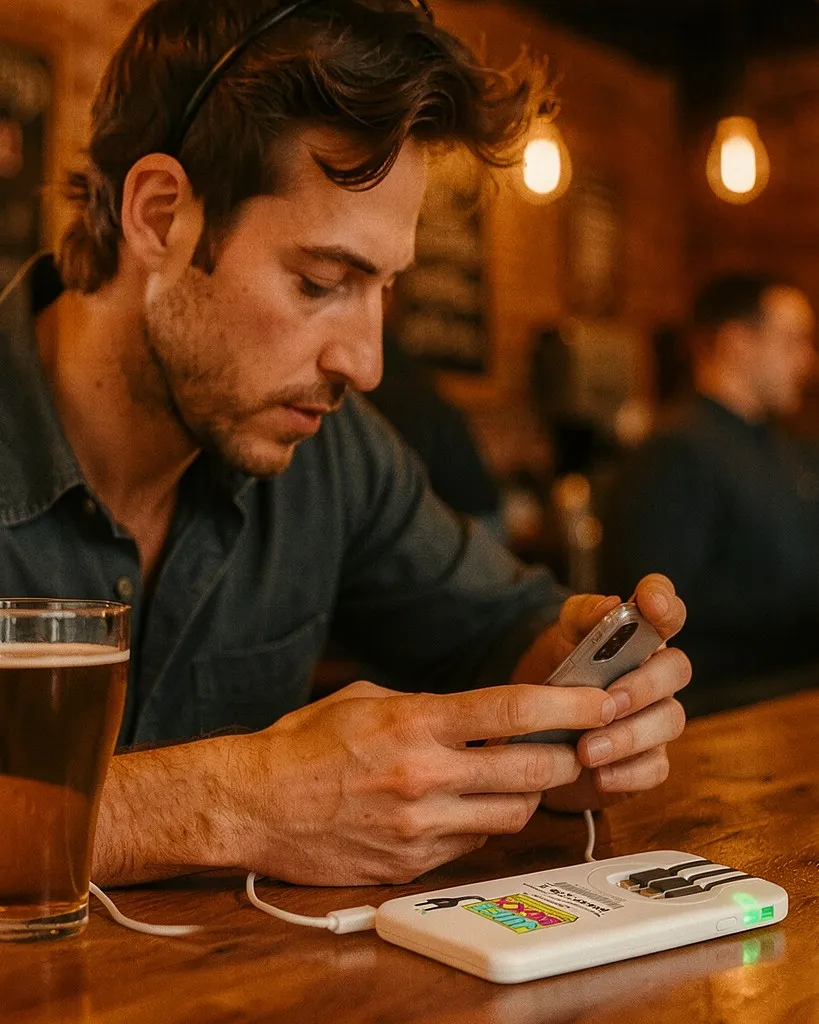
How a rental works.
Start at a station, keep the charger for as long as you need it, and bring it back to any station.
Spot the station in the venue
Look for the Juiceboxx station inside the venue you are already in. Every station sits in a host venue, and the app map shows which venues have one.
Scan and start the rental
Scan the QR code on the station in the Juiceboxx app. Confirm the price, and a charged power bank unlocks.
Take the charger with you
Head back to your table, lane, or seat. The power bank has built-in cables, so your phone charges in your hand.
Return it to any station
Slide the charger into a Juiceboxx station and the app ends the rental. The $20 card hold is released.
$2 for 30 minutes.
Rentals are billed in 30-minute blocks and capped at $12 a day. The app shows the exact price before you confirm, and the card hold is released as soon as the charger is back.
Rental price
$2per 30 minutes
- $12
- Daily capHowever long the day runs, a rental never costs more than $12 a day.
- $20
- Card holdA temporary hold, not a charge. It is released when the charger is returned.
- 48h
- Return windowDrop the charger at any Juiceboxx station within 48 hours.
Rental questions.
More rental answersDo I need to download an app?
Yes. The Juiceboxx app starts and ends every rental. It is free on the App Store and Google Play.
Can I leave the venue with the charger?
Yes. The charger is portable. Take it with you and return it to any Juiceboxx station within 48 hours.
What does it cost to rent?
Rentals are $2 for each 30 minutes, capped at $12 per day. The app shows the price before you confirm.
What is the $20 card hold?
When a rental starts, a $20 pre-authorization is placed on your card. It is a hold, not a payment, and it is released when the charger is returned. If the charger is not returned within 48 hours, the $20 is charged.
Will it charge my phone?
The power banks have built-in charging cables. Check the compatibility guide for your phone's connector before you rent.
How does a venue get a station?
Tell us the venue name, city, and type on the Host a Station page. Hosting is free for the venue.
Start in the app.
Open the app to see stations near you and the price before you unlock a charger.